Pi Tool Display
A Pi extension that compacts tool output and renders cleaner diffs in the TUI.
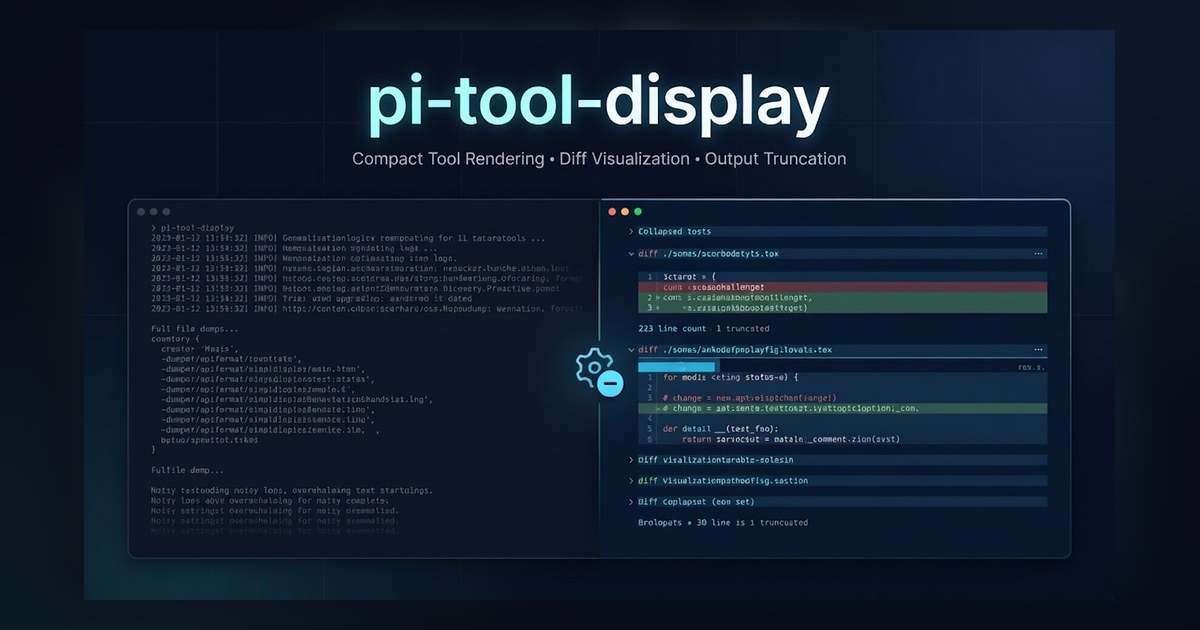
Overview
Pi Tool Display started from a simple frustration. When a coding agent runs a long string of tool calls, the terminal turns into a wall of redundant output that's hard to scan. The interesting parts - what the agent actually changed - get buried under raw command logs, full file dumps, and verbose diff hunks. I wanted the TUI to feel quiet and legible again, the way a senior engineer would skim a session if they were looking over your shoulder.
What it does
The extension hooks into Pi's tool rendering and rewrites how output is shown. Long file reads get truncated with line counts. Diffs get compacted with anchor lines that you can paste straight into another edit call. Repetitive shell output collapses into a single block. The principle behind every choice is the same - if you can read the session and immediately tell what happened, the extension is doing its job.
Technical decisions
I built it in TypeScript using Pi's extension SDK and bundled with esbuild for fast iteration. Most of the work was not in writing the rendering code, but in classifying tool output reliably. Diff blocks, log streams, and file reads all need different treatment, and a wrong classification means the user loses information. I leaned on small, deterministic heuristics over anything clever, because predictability matters more than feature density when an extension runs hundreds of times per session.
What I learned
Shipping this taught me how much trust matters when you sit between a tool and the user. Every line you hide is a line the user might need, and every shortcut you take is something they'll notice. The traction the extension has picked up is not because it does anything flashy, but because it is consistent. People install it once, forget it's there, and only remember when they switch to a different setup and miss it. That kind of invisibility was the goal.