Why a terminal coding agent beats every GUI version I've tried
After a month of full-terminal agentic coding, the thing I keep returning to is how much faster the loop feels - and how much of that is freed-up memory and head-space.
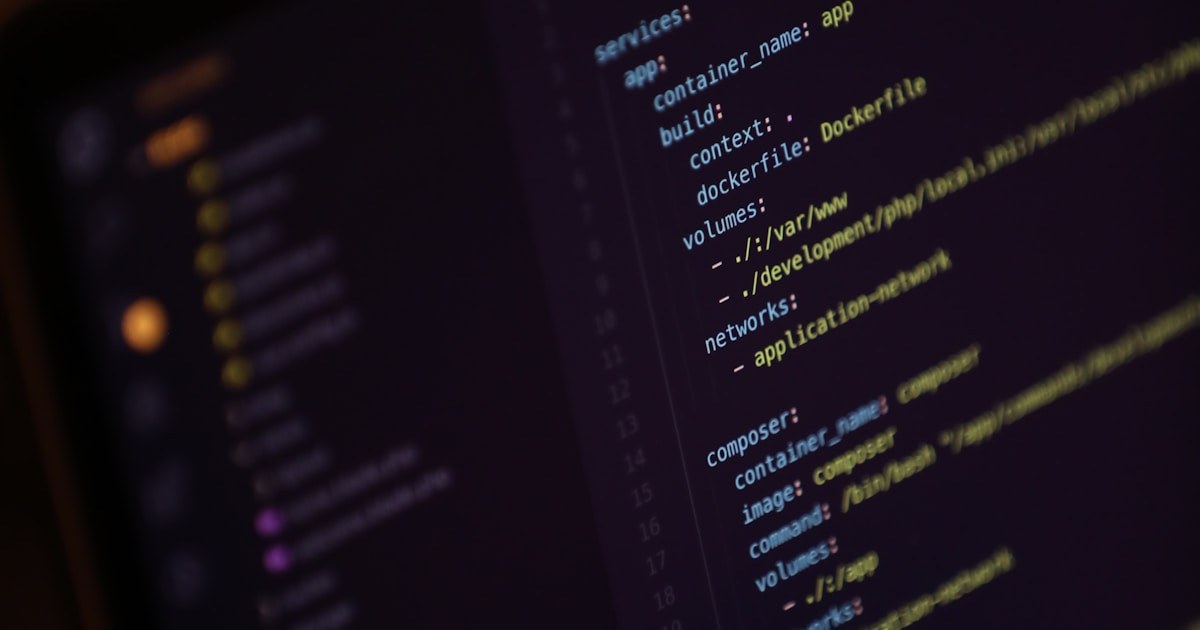
There's a moment somewhere in the second week of using a terminal coding agent where the muscle memory clicks. You stop thinking about which pane you're in. The keyboard becomes the input device for the whole loop - the prompt, the editor, the agent, the shell, the diff. After that moment, going back to a GUI feels like wading through mud. I want to write down why, because that feeling is hard to convey to someone still using a polished panel-based agent.
The hacker feeling is real
I want to deal with this part first because it sounds shallow but isn't. Coding in a terminal feels like programming. There's a directness to keystroke-in, text-out that puts you closer to what the machine is actually doing. A polished GUI puts a layer of friendly product design between you and the work. That layer is fine. It is also not free.
The first few days you notice it as a vibe. After a month it shows up as productivity. You stop reaching for the mouse. Your hands stay on the keyboard. The agent feels like a tool you wield, not a feature you use.
Memory and CPU stop being the bottleneck
Modern agentic GUIs are heavy. Webviews, animation layers, separate processes for chat and file tree, syntax highlighters that repaint constantly. On a typical laptop, running a polished GUI agent for a few hours measurably warms the chassis and slows other apps. The agent itself is doing real work, but a lot of the load comes from the chrome around it.
In a terminal session, the agent is the heavy thing. Everything else is text. My laptop runs cooler. My battery lasts longer. The browser tabs I'm using for documentation don't get pushed out of memory. None of that sounds important until you've experienced both setups for a month each. The difference is real.
Speed compounds
The most underrated property of terminal workflows is that small frictions add up. Every time you reach for a mouse, switch a tab, or wait for an animation, you spend a tiny amount of attention. In a single hour those costs are invisible. Across a working day they add up to a different kind of fatigue.
In a terminal, the cost of running a tool is approximately zero. You type three characters and hit enter. That's the entire ceremony. Because each individual action is cheap, you do more of them. You experiment more. You verify more. You don't avoid running a command because the UI for running it feels heavy.
Customization is built in
A terminal coding agent is composable. The output is text, so you can pipe it. The input is keystrokes, so you can script them. Plugins live as small files you can read in five minutes. The whole environment is yours to bend.
I started writing extensions for OpenCode and Pi inside two weeks of switching. None of that would have happened in a GUI where the extension surface is whatever the vendor decided to expose. The reason terminal tools have such a long shelf life is that users who care can fix anything that bothers them. That reciprocal relationship between tool and user is missing from most GUI products.
The honest tradeoff
GUIs are easier to start. Terminals are easier to stay in. If you're new to agentic coding, a GUI is fine. If you've done it for six months and the loop still feels slow, that's not the agent's fault - it's the chrome. Try a terminal one for a week. Most people who do never go back.