Switching from RooCode to OpenCode: leaving the GUI behind
Late 2025 I dropped a polished GUI agentic coding setup for a full terminal one. What I gained, what I gave up, and why I haven't gone back.
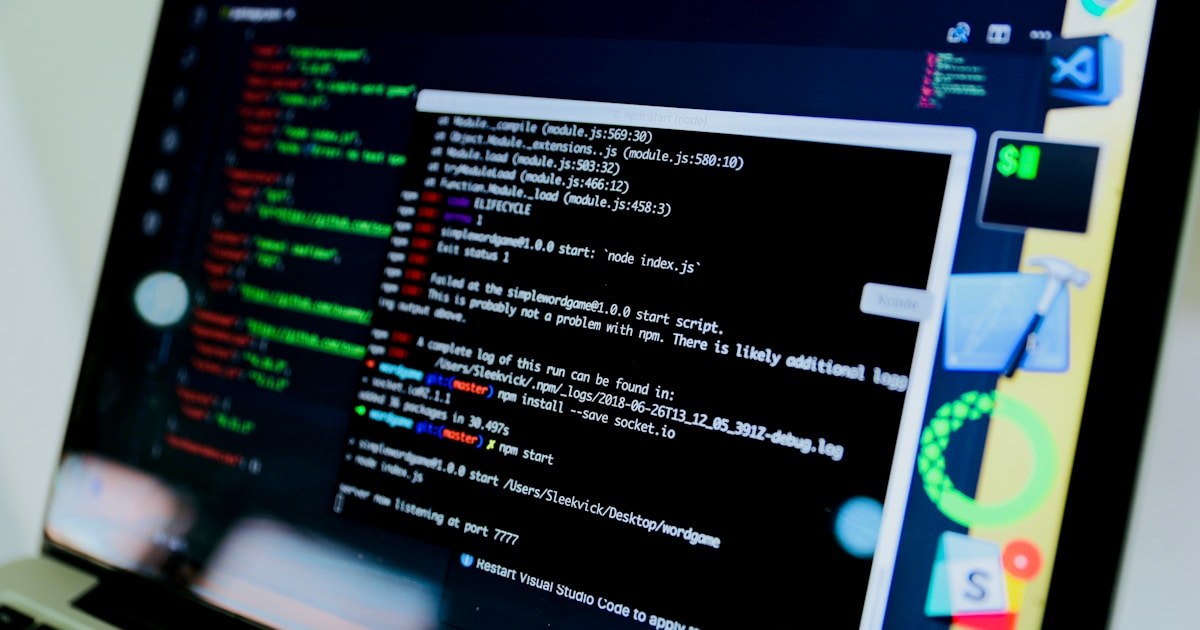
For most of 2025 my agentic coding setup was RooCode. It is a thoughtful product with a clean panel, polished diffs, and the kind of UI surface that makes the AI feel approachable. I shipped a lot through it. By November I started feeling boxed in by it, and by December I had moved my whole workflow into OpenCode running in the terminal. That's the short version. The longer version is more interesting.
Why the move started
The first thing that nudged me away from a GUI agent was tab-switching cost. I was constantly jumping between the editor, a chat panel, a file tree, a terminal, and whatever other window I needed for a task. Each surface had its own keyboard shortcuts and its own state. The mental tax of moving between them added up. When I started timing how much of a session was actual work versus context switching, the answer was uncomfortable.
The second nudge was performance. A polished agentic GUI is a lot of UI to render. Animations, panels, embedded webviews, syntax highlighting that re-paints on every diff - all of it costs something. On a long session my laptop would heat up and the editor would chug. I wanted my agent to be the heaviest thing running, not the chrome around it.
What changed in OpenCode
Switching to OpenCode meant the agent ran in a terminal pane. No webview. No separate window. Inputs were keystrokes. Outputs were text. The diff was rendered inline in the same place I read everything else.
The first day felt rough. I missed the syntax-highlighted diffs and the buttons. By the third day, the terminal felt fast in a way I had forgotten was possible. Switching tasks meant Ctrl-Tab, not a window switch. Searching for what the agent had said earlier was a Ctrl+R away. The whole loop got tighter.
What I lost
I want to be honest about the tradeoffs. A GUI agent is genuinely better at:
- Onboarding new users. The chat-pane format is recognizable from the moment you open it.
- Visual diffs across multiple files. Some terminal renderings are great, but a properly formatted side-by-side webview is still hard to beat.
- Drag-and-drop image attachments. I used to take screenshots constantly during refactors. I had to learn alternatives.
If you are still ramping up on agentic coding, a GUI is the easier place to start. There is no shame in that. The terminal becomes useful once you already know the loop.
What I gained
The biggest gain was muscle memory. Every command I learned in OpenCode also worked in plain shell. The tools I wrote to extend it ran as small scripts I could pipe into other things. I started writing OpenCode plugins, then Pi extensions, because the surfaces are open and small enough to actually customize. None of that would have happened if I were still using a GUI where the only extension point is whatever the vendor decides to expose.
The second gain was speed. Not just rendering speed, but decision speed. When the friction of running a command drops, you run more commands. When experimentation is cheap, you experiment. That changed how I approach problems - I now try three things before I'm sure of anything, instead of trying to think a single answer through to perfection.
Would I recommend it
If you are comfortable in a terminal and you've already done a few months of agentic coding in a GUI, yes. If you are still figuring out how to talk to an agent at all, no. Stay in the GUI until the loop feels natural, then move when the GUI starts feeling slow. The point isn't to be hardcore. The point is to be fast.